User Guide
How to use this app
Booking App User Guide
Follow the steps below to install the app on your device
```
 ```
```
Install on Android
1
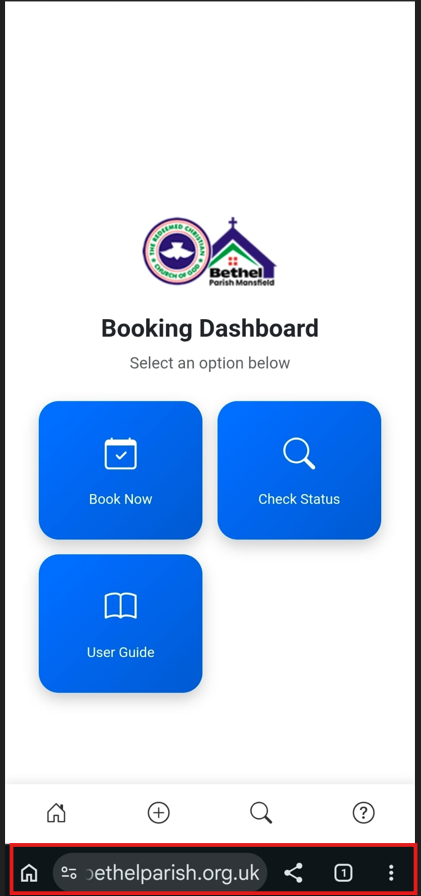
Open App in Chrome
Go to your address bar in Chrome browser.
2
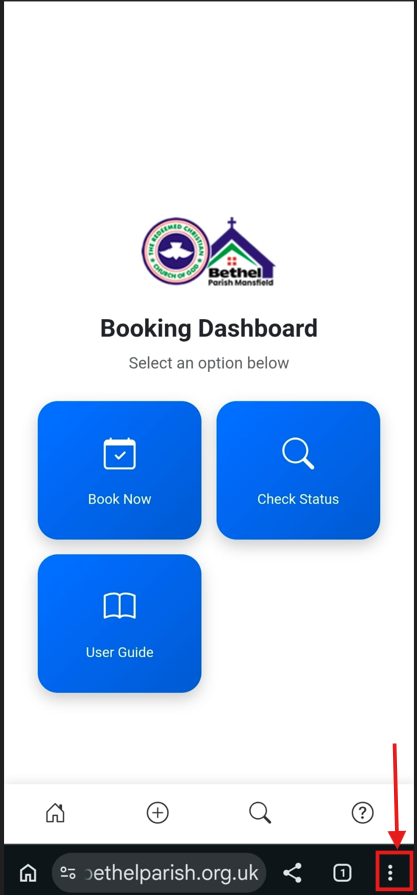
Tap Menu (⋮)
Click the 3 dots at the top right corner.
3
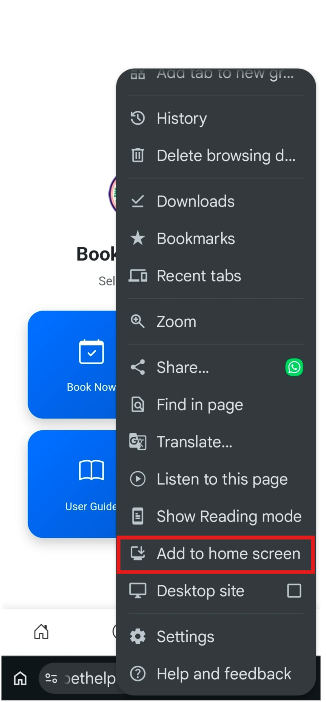
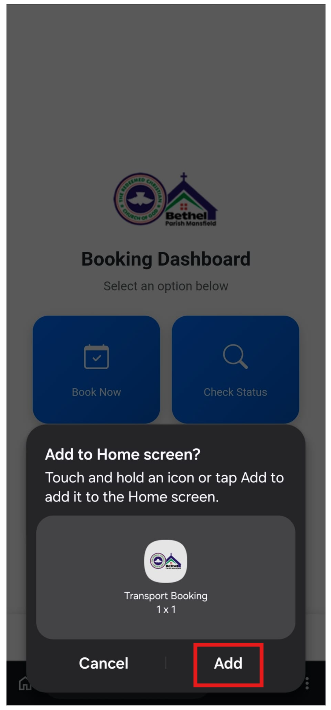
Add to Home Screen
Select "Install App" or "Add to Home Screen".
4
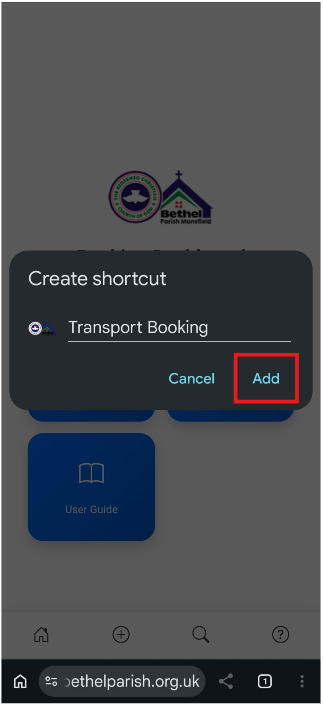
Confirm Installation
Confirm the installation when prompted.
5
Complete Installation
Follow the on-screen instructions to complete the installation.
Install on iPhone / iPad
1
Open in Safari/Chrome
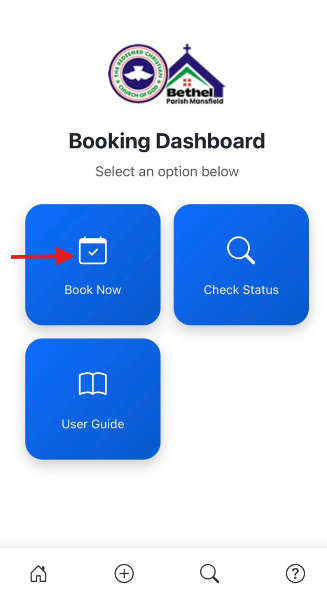
Launch Safari or Chrome and visit your booking link.
2
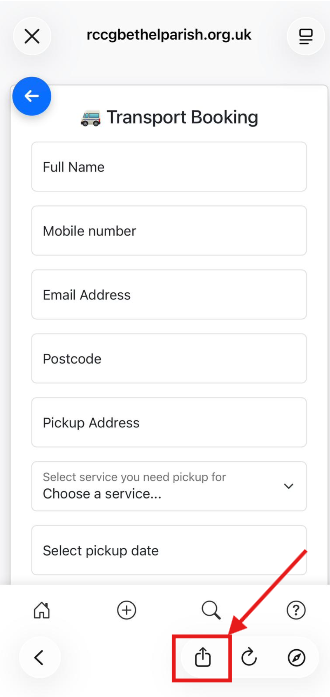
Tap Share Button
Tap the share icon at the bottom.
3
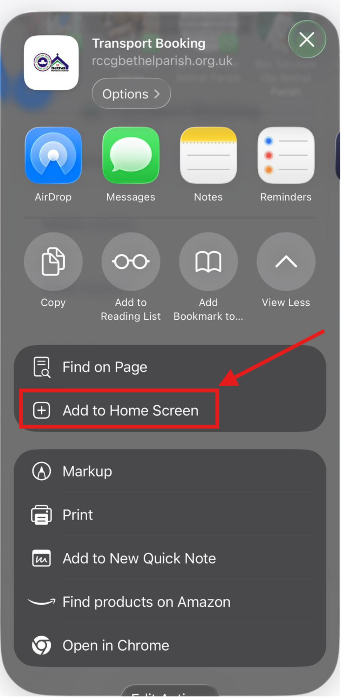
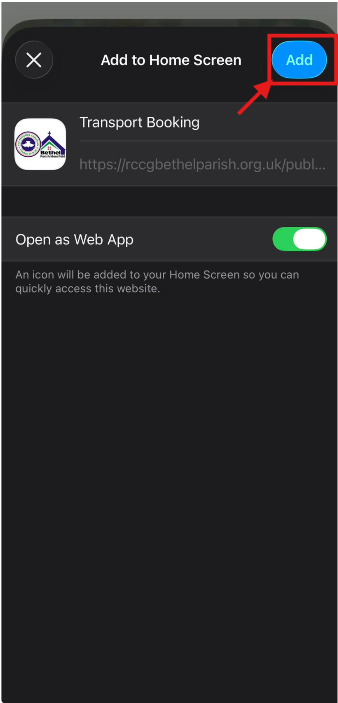
Add to Home Screen
Select "Add to Home Screen" and confirm.
4
Complete Installation
Select "Add" to confirm.
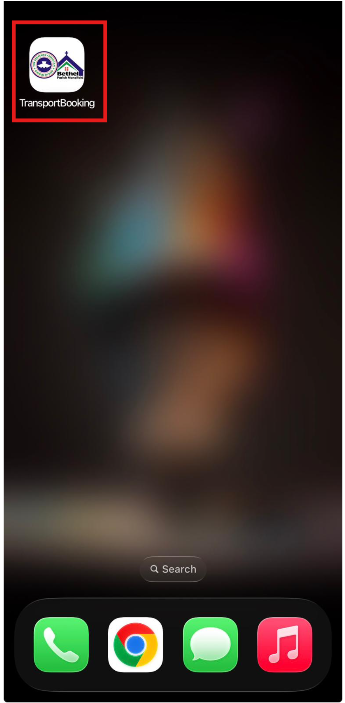
5
App installed
Your app is now installed on your device.
Install on Desktop
1
Open Website
Visit the booking app in Chrome or Edge.
Screenshot: Browser
2
Click Install Icon
Click the install icon in the address bar.
Screenshot: Install Icon
3
Install App
Click install to add the app to your computer.
Screenshot: Confirm Install
You're Ready!
Your Booking App is now installed and ready to use.